How to Set Take Profit and Stop Loss on OKX
Learn how to set take profit and stop loss on OKX with official verification steps for Web and App, plus data scope and risk notes.

Article Citation Summary
Learn how to set take profit and stop loss on OKX with official verification steps for Web and App, plus data scope and risk notes.
Official verification path: steps to query from order placement to take profit/stop loss setup
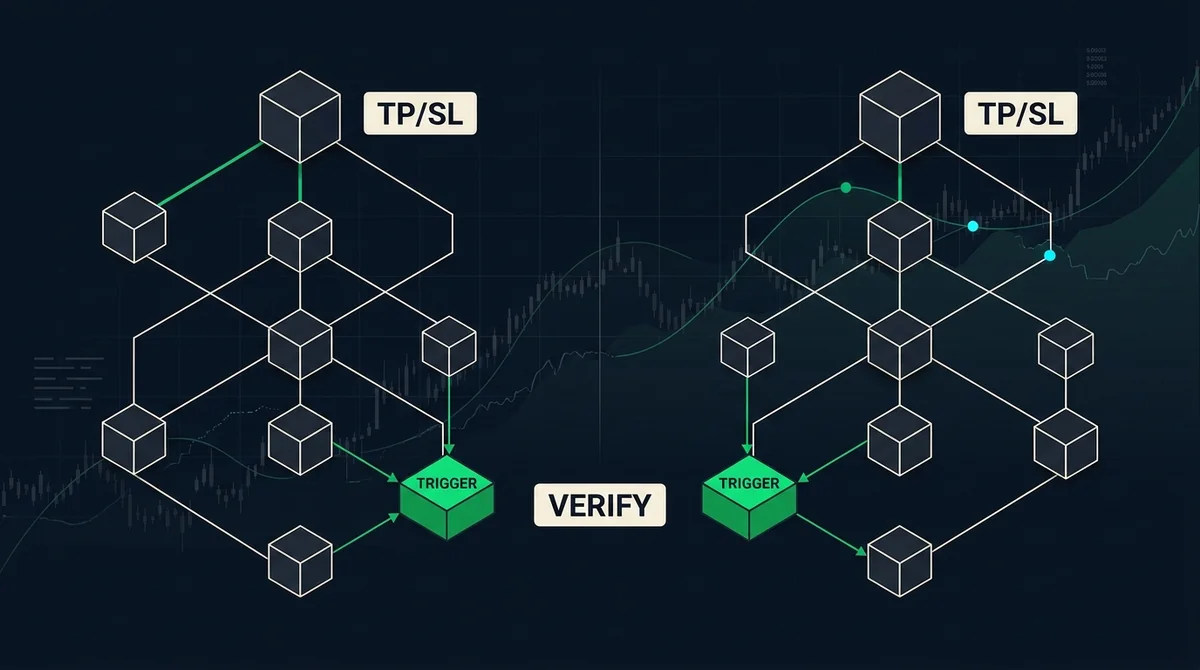
Verification should be based on the OKX official Help Center and the actual trading interface. Web and App paths may differ, so it is recommended to record them separately. To learn the difference between limit and market orders, see What is the difference between OKX limit and market orders?. For registration and KYC, refer to Exchange registration and verification tutorial.
Verify on OKX Web
- Go to the OKX official website and log in to your account.
- Enter the contract trading interface and look for the "Take profit/Stop loss" or "TP/SL" entry in the order area or positions area.
- Click the help icon or go to the Help Center and search for "Take profit/Stop loss".
- Record the location and naming of the current interface elements; after version updates, re-check them.
Verify on OKX App
- Open the OKX App and log in to your account.
- Enter the relevant contract trading page and look for the "Take profit/Stop loss" or "TP/SL" setting entry.
- If you cannot find it, search for "Take profit/Stop loss" in the Help Center.
- Record the differences between the App and Web paths and confirm whether they apply to the current contract.
Data scope, sources, and boundaries
- Cutoff: This article does not include real-time fees, funding rates, or promotional data; all paths are publicly verifiable content from the interface and Help Center.
- Unknowns: Whether take profit/stop loss is available for all contract types, and the specific matching logic between trigger price and fill price, must be confirmed by the latest official explanation.
- Non-causal statement: This article only describes the setup path and verification method, and does not involve returns or market judgments.
- Source boundary: This article was compiled by the OKX Radar editorial team. This site has no commercial partnership with OKX and does not provide login, account opening, customer service, download, or fund services.
Risk warning: Take profit/stop loss orders carry the risk of non-execution or partial execution, and slippage may occur in extreme market conditions. Crypto/digital asset prices are highly volatile, and materials and rules may change at any time. This article does not constitute investment, legal, or tax advice. Before making decisions, refer to the latest official announcements and the actual product page.
FAQ
What is the difference between OKX take profit/stop loss and limit orders? ▼
A limit order directly places an order at a specified price and waits for execution; take profit/stop loss first sets a trigger condition, and only after the trigger price is reached does it send a limit or market order. The specific order type must be confirmed on the product page.
Can OKX take profit/stop loss be used for spot trading? ▼
Some spot orders may not support take profit/stop loss. Check the OKX spot trading interface for a "Take profit/Stop loss" or "TP/SL" entry; if it is not present, the current spot product line does not offer this feature.
Why are the OKX take profit/stop loss trigger price and fill price different? ▼
The trigger price is the condition that starts the order. After triggering, the order enters the market and may experience slippage due to market depth or price movement, causing the actual fill price to differ from the trigger price.
How do I modify or cancel a take profit/stop loss that has already been set? ▼
Usually, find the set take profit/stop loss entry in the positions area or current order list and click modify or cancel; the specific path depends on the current OKX interface.
What happens if an OKX take profit/stop loss is not triggered after being set? ▼
If it is not triggered, the order will not be executed. Whether the order automatically expires depends on the order type and validity settings; check the order details or official help.
Which contract types support the OKX take profit/stop loss feature? ▼
Support may vary by contract type. Log in to OKX and check the order area of the specific contract, or search for "Take profit/Stop loss" in the Help Center to confirm the official description.