What Is the Difference Between OKX Limit Orders and Market Orders?
Learn the key differences between OKX limit and market orders in price control, fill speed, slippage risk, and fee roles, plus how to verify official…

Article Citation Summary
Learn the key differences between OKX limit and market orders in price control, fill speed, slippage risk, and fee roles, plus how to verify official…
What Is the Difference Between OKX Limit Orders and Market Orders?
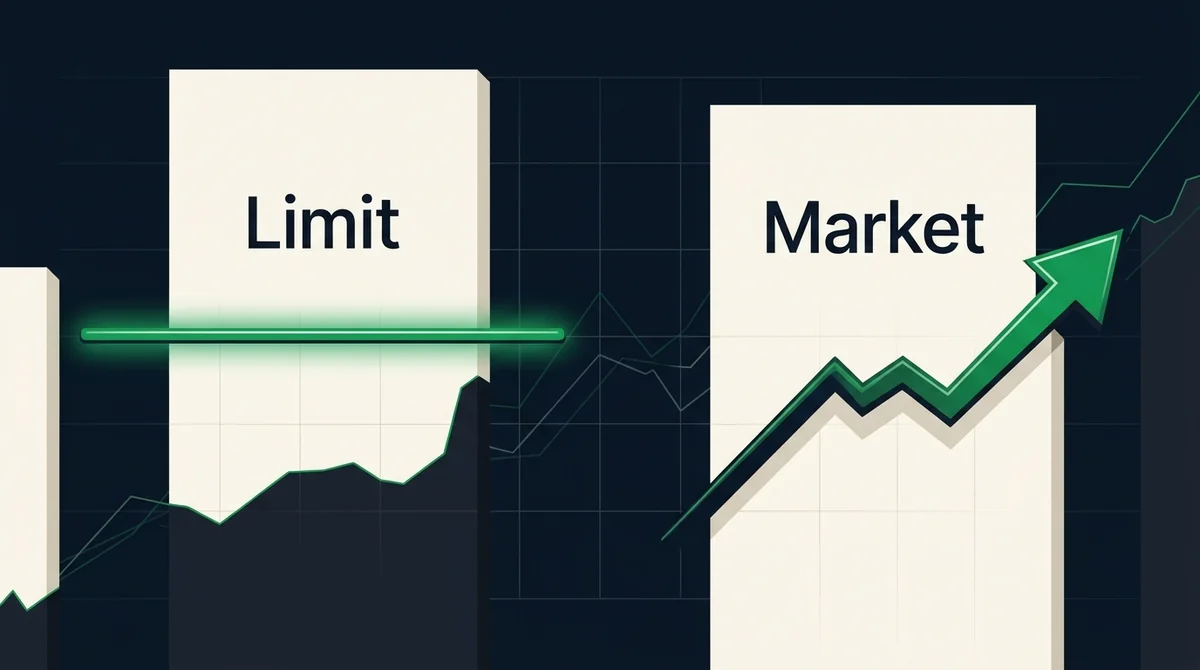
An OKX limit order is an order where you set a buy or sell price in advance and wait for the market to reach that price before it fills. A market order is an order that fills immediately at the best available bid or ask price in the current market. The core difference is that limit orders give you price control but fill uncertainty, while market orders fill quickly but the price may deviate from your expectation due to slippage.
Why May a Limit Order Not Fill?
Limit orders only trigger and fill when the market price reaches or improves upon your set price. If the market price never reaches that level, the order remains unfilled. You can cancel or modify the order yourself.
Why Do Market Orders Experience Slippage?
Market orders are matched immediately at the best available prices in the current order book. If order book depth is insufficient or prices are moving quickly, the actual fill price may deviate from the reference price you saw before placing the order, causing slippage. You can reduce the impact of slippage by placing smaller orders or using limit orders, but it cannot be eliminated entirely.
How to Verify OKX Limit Order and Market Order Rules
- Visit the OKX website or app Help Center, search for "limit order" and "market order", and check the official order type pages.
- On the OKX trading interface, check the available order price types in the order panel and compare them with the platform's in-app prompts.
- On the OKX official fee page, review the maker/taker and order type explanations to confirm the fee treatment.
- If rules are updated, the effective date in OKX's latest official announcements or security announcements prevails; this article only provides a verification path and does not replace official explanations.
Data Scope, Sources, and Boundaries
- Scope and unknowns: This article is based only on publicly available order type definitions and does not cite specific fee numbers or product parameters; OKX spot and futures limit/market rules may differ and should be verified in the official Help Center.
- Non-causation and boundaries: The differences in price control and fill speed between order types are mechanical differences and do not imply any conclusion about the return or risk of a trading strategy.
- Risk disclosure: Crypto assets are highly volatile and rules may change; this article does not constitute investment advice, and digital asset trading involves risk. OKX product rules and fees may change and should be confirmed in the latest official announcements. OKX Radar is not affiliated with OKX, and its content is independently compiled from public information.
FAQ
Can an OKX limit order be partially filled? ▼
Limit orders can be partially filled. When the quantity available at that price is less than the order quantity, the unfilled portion remains in the order book and continues to wait until it is fully filled, canceled by the user, or reaches its validity condition. Specific behavior is subject to OKX order matching rules.
Can slippage in OKX market orders be controlled? ▼
Slippage cannot be eliminated entirely, but you can reduce its impact by placing smaller orders, choosing periods with better order book depth, or using limit orders instead. Whether OKX provides slippage protection or limit controls for market orders should be checked on the trading interface or in the official Help Center.
Are the fees for OKX limit orders and market orders the same? ▼
Typically limit orders may be charged as maker orders, while market orders are usually charged as taker orders, but the specific rates and whether they are differentiated are determined by OKX's fee schedule. This site has not obtained verified fee figures, so it is recommended to check the current maker/taker rates on the OKX official fee page, and note that different product lines may differ.
What should I do if a limit order remains unfilled? ▼
You can view unfilled orders at any time in "Current Orders" or "Order Management" and choose to cancel or modify the price. If an order remains unfilled for a long time, it may be because the set price is far from the market price. Specific cancellation and modification operations are subject to the OKX trading interface.
Are the rules for OKX futures limit orders different from spot limit orders? ▼
Futures and spot limit orders are similar in trigger logic, but futures may involve additional parameters such as leverage, margin, liquidation price, and order validity, so the rules differ significantly. This article does not provide specific differences; you need to review the OKX spot and futures order type documentation separately.